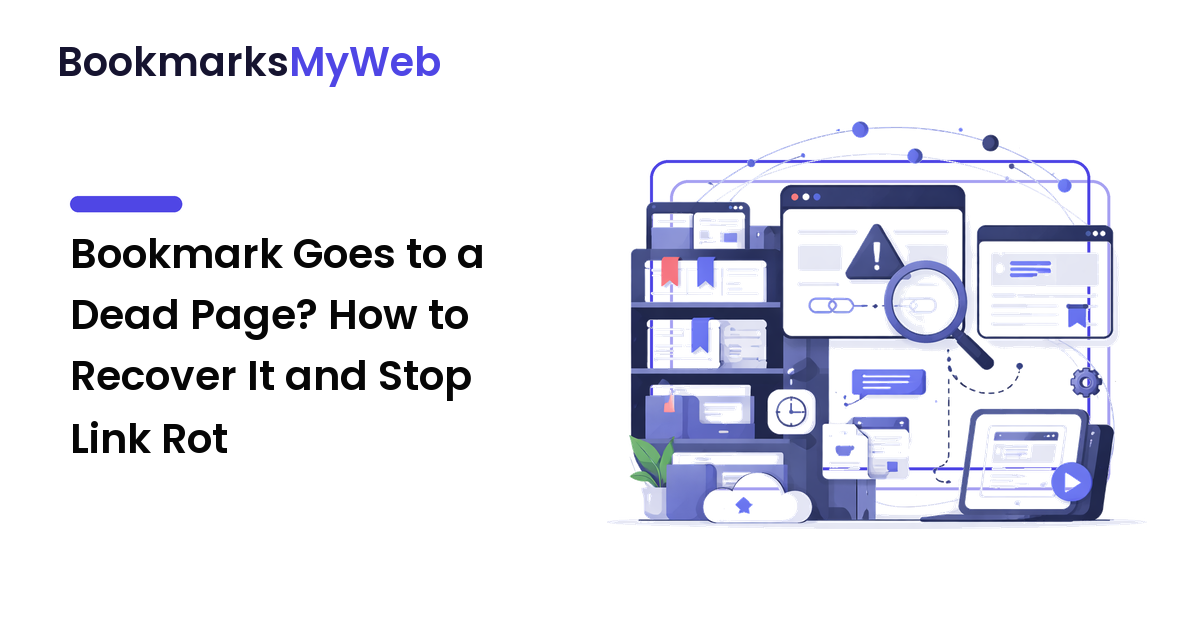
You click a bookmark you trusted, and instead of the article you saved, you get a 404, a "this site has moved," or a parked domain full of ads. The bookmark is fine; the page it pointed to is gone. That's not a retrieval problem — your bookmark did its job — it's link rot, the quiet reason a personal web library slowly stops being trustworthy.
The takeaway up front: you can often recover a dead bookmark, but only because someone kept a copy — so your job is to know where those copies live, and to start keeping your own. When a page disappears, you work backward through archives and caches to find a saved version; when none exists, you treat it as lost. This guide covers both, plus the only permanent fix for link rot: saving the content, not just the address.
Why bookmarks die in the first place
A bookmark is just a street address. It tells your browser where a page lived, not what it said — so when the building at that address changes, your bookmark points at empty air. Four common causes:
- The page was deleted, or a "content refresh" replaced it at a different URL.
- The site restructured. A redesign changed every URL, so the old one 404s even though the article still exists somewhere.
- The whole site went away — a blog shut down, or a domain lapsed and got bought by a squatter (the parked-ads result).
- It moved behind a wall, demanding a login or paywall, so functionally it's gone for you.
In every case, what you wanted may still exist as bytes on some server or archive — the address just stopped pointing at it. Recovery is finding them.
First, confirm the bookmark is actually broken
Before archive-digging, rule out the easy explanations — plenty of "dead" bookmarks are alive, and a broken bookmark often just needs a corrected address.
- Reload and read the exact error. A 404 means the page is gone from that address. A 403, login screen, or paywall means it's alive but gated — a different problem. A timeout might just be a hiccup; try again later.
- Trim the URL. Delete everything after the domain and load just the homepage. If the site is healthy, it has simply moved the page, and its search box may surface the new home in seconds.
- Search the title. Paste the page's title, or a phrase you remember, into a search engine. Restructured content often resurfaces at a new URL; you were just holding the old address.
If all three fail and you get a clean 404 or a parked page, the original is down. Now archives earn their keep.
How to recover a page that's already gone
The web quietly keeps copies of itself. When a page dies, a saved version may still exist in these places, in rough order of how often they work.
Public web archives
Independent archives store dated snapshots over time, so a page deleted today may have been captured months ago. Paste your dead URL into a web-archive service, then pick a snapshot from before the page disappeared. This is the highest-yield move, because archives keep copies on purpose. The catch: they capture some pages, not all, and a snapshot can be missing its images.
Search-engine caches
A search engine may keep a cached or preview copy of a page after the original changes. If the page is still listed in results, that preview can hold the content even after the live page 404s. Fast but fragile — caches drop quickly, so this mainly helps recently dead pages.
The author's other channels
Content rarely lives in only one place. The same article may be cross-posted to a newsletter or company blog; a researcher's paper sits in a repository as well as on their page. Search the title, not the URL, and you often find the same words at a living address.
Ask a human
If a copy matters and archives come up empty, email the author or site owner. People who write things often keep drafts and are glad to re-share a piece they took down by mistake.
Whatever you recover is a copy you don't control, so save it properly the moment you find it — the snapshot can vanish too.
When a page is truly gone
Sometimes there's no snapshot, cache, or cross-post — the page is lost. Accepting that beats a two-hour dig for a link you can re-research. Three honest moves:
- Re-find the answer, not the page. If you remember why you saved it, search for that directly — the current web may answer it better than a years-old page would.
- Lean on what you kept. A note you wrote at save time may be all that survives, and often it's the part you needed. Resurfacing a half-remembered save is its own skill; the companion guide to finding saved pages covers getting back the bookmarks you can still open.
- Delete the dead bookmark. A link that goes nowhere is clutter that makes the whole library feel less trustworthy. Remove it, or swap in the new URL.
Stop the next bookmark from dying
Recovery is a rescue mission; prevention is the actual fix, and it rests on one shift: save the content, not just the address. A page you only bookmarked depends on someone else keeping it alive; a page you copied is yours.
- Save a real copy of pages you depend on. For anything you'd be hurt to lose, capture the page body, not just the URL. A bookmarking tool that stores a readable snapshot means your save still opens after the original 404s — the closest thing to link-rot insurance.
- Save an offline copy where you can. Full-text or offline saving stores the article on your device, which protects you twice: it survives a dead connection and a dead source.
- Add a note in your own words. A one-line summary at save time ("the fix is to clear the cache, not reinstall") captures the payload of the page. If the original dies, that sentence is often all you needed.
- Review on a schedule. Collections rot silently. A short pass every few weeks to prune dead links catches rot while a copy is still easy to find.
None of this requires perfection — most bookmarks are disposable. Spend the extra seconds only on the handful you'd actually miss; a copy you own beats an address you hope still works.
FAQ
Why does my bookmark go to a blank or different page?
The address still works, but what lived there changed — the page was deleted, the site was restructured so the URL now 404s, or the domain lapsed and someone else bought it (hence the ads). The bookmark itself is intact.
How do I find a web page that has been deleted?
Work backward to a saved copy. Trim the URL and search the title in case it simply moved; if it's truly gone, check a public web archive for a dated snapshot, look for a cached version in search results, then search the title for cross-posts elsewhere. If none exists and you kept no copy, it's likely unrecoverable.
Can I always recover a page from a web archive?
No. Archives capture many pages but not all, and not on every date, so a page may have no snapshot — and an existing one can be missing images. They're the best recovery option, not a guarantee, which is why saving your own copy matters for pages you can't afford to lose.
What's the difference between a lost bookmark and a dead bookmark?
A lost bookmark is one you can't locate — it's saved, but search or folders won't surface it. A dead bookmark opens fine, but the page it points to is gone. Opposite fixes: better tagging and search for the lost one, archive recovery and saved copies for the dead one.
Next step
When a bookmark dies, you now have a route back: confirm it's gone, then work down archives, caches, and cross-posts before giving up. But the better habit makes recovery rare. Pick the next page you depend on and save a full copy — the page body, not just the address — plus one line on why it matters. Do that for the links you'd hate to lose, and link rot stops being an emergency. Build a library that keeps its pages, not just their addresses, at bookmarksmyweb.com.